getting started with solo-silo
try the demo
explore a read-only demo with pre-indexed celebrity photos at solo-silo.vercel.app:
- ✅ browse face clusters (bowie, abdul, walken, dončić, tito)
- ✅ view detection statistics and processing logs
- ✅ see the full ui in action
- ❌ search disabled (requires local ai models)
- ❌ read-only (no modifications)
installation
prerequisites
- git installed on your system
- node.js (v16 or higher)
- python (v3.8 or higher)
- ~2gb free disk space for ai models
- sufficient storage for your photo library
clone the repository
to use solo-silo with your photos, clone the local branch:
git clone -b local https://github.com/ilovespectra/solo-silo
cd solo-silo
automatic setup
the start-all.sh script handles all dependency installation and deployment:
./start-all.sh
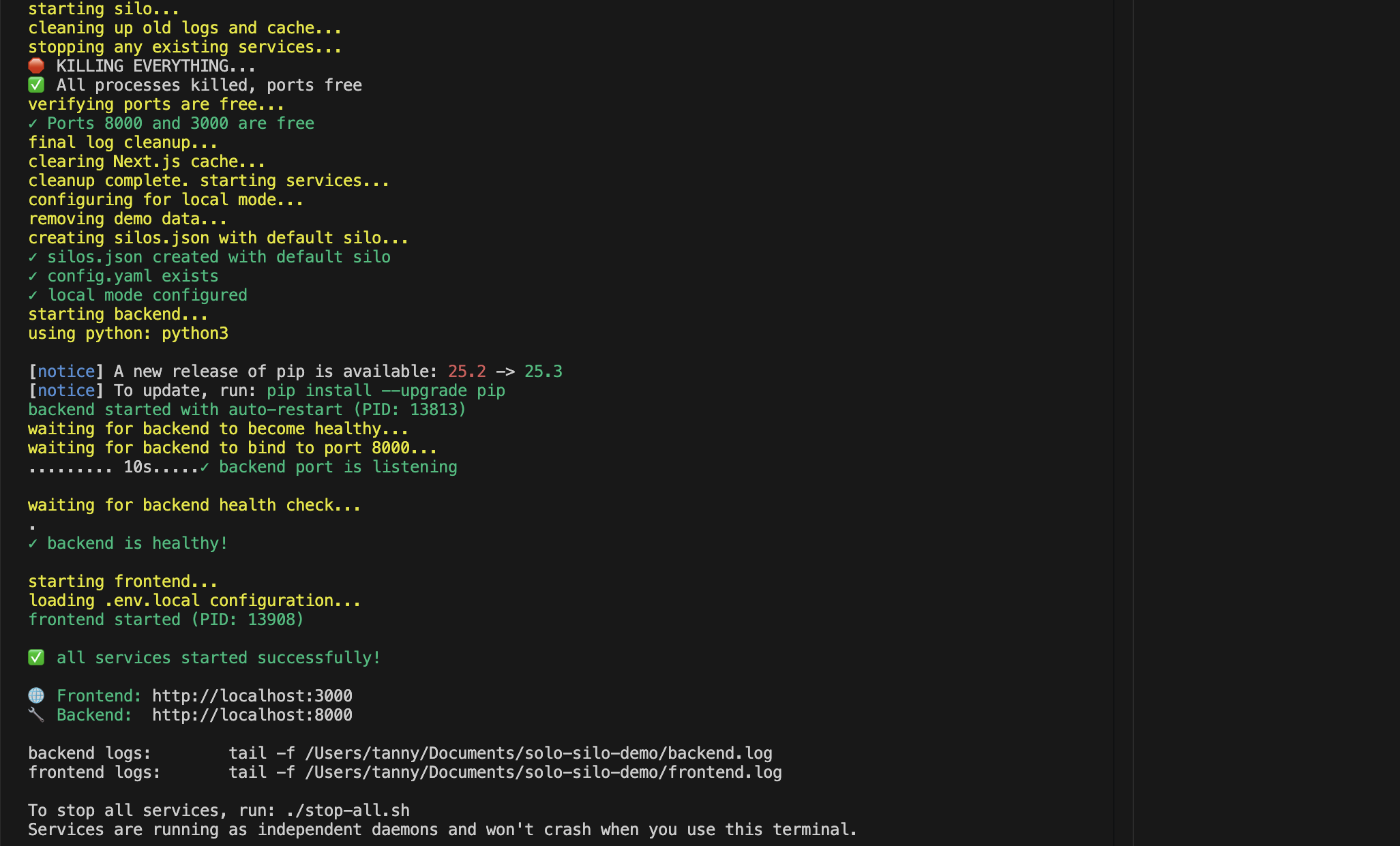
this script will:
- install node.js dependencies
- install python dependencies
- download ai models on first run (~2gb)
- start the backend server
- start the frontend application
- open your browser automatically
first run
on first launch, ai models will be downloaded automatically:
- clip models for semantic search
- deepface models for face recognition
- yolo models for object detection
- easyocr for text extraction
- whisper for audio transcription
this is a one-time process that may take several minutes depending on your internet speed.
initial setup wizard
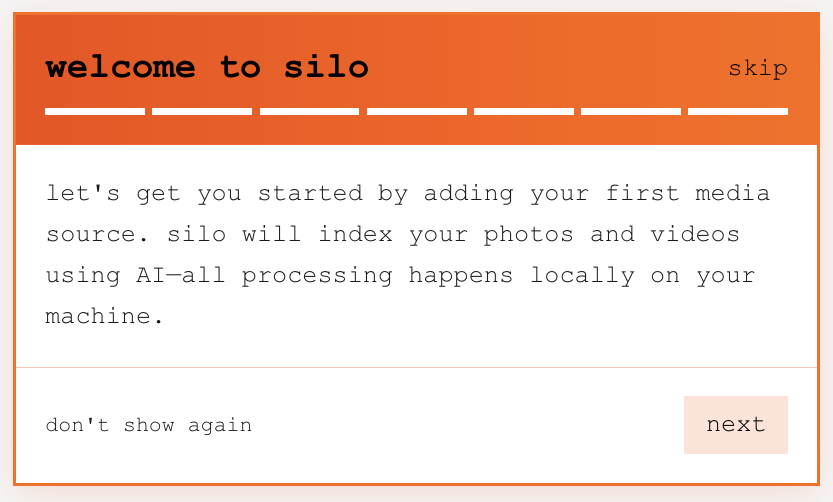
when you first open solo-silo, you'll be greeted with a getting started tour that walks you through:
- understanding the interface
- adding your first source
- configuring indexing settings
- viewing indexing progress