adding sources
sources are the folders containing your photos, videos, and other media files that you want to index and search.
add source wizard
click the "add source" button to launch the add source wizard, which guides you through five simple steps:
step 1: choose source type
select the type of content you want to index:
- photos and images
- videos
- documents with text
- audio files
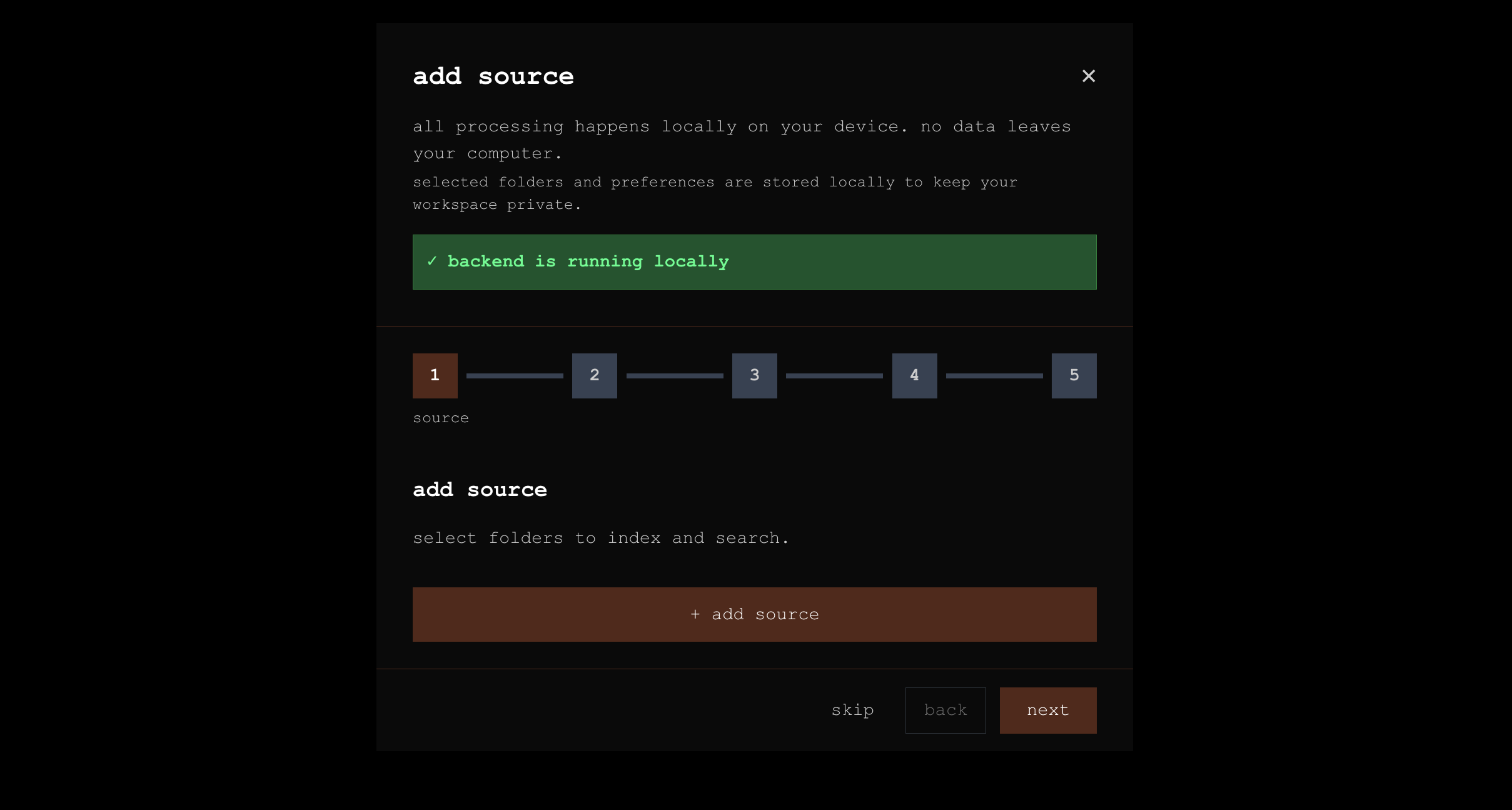
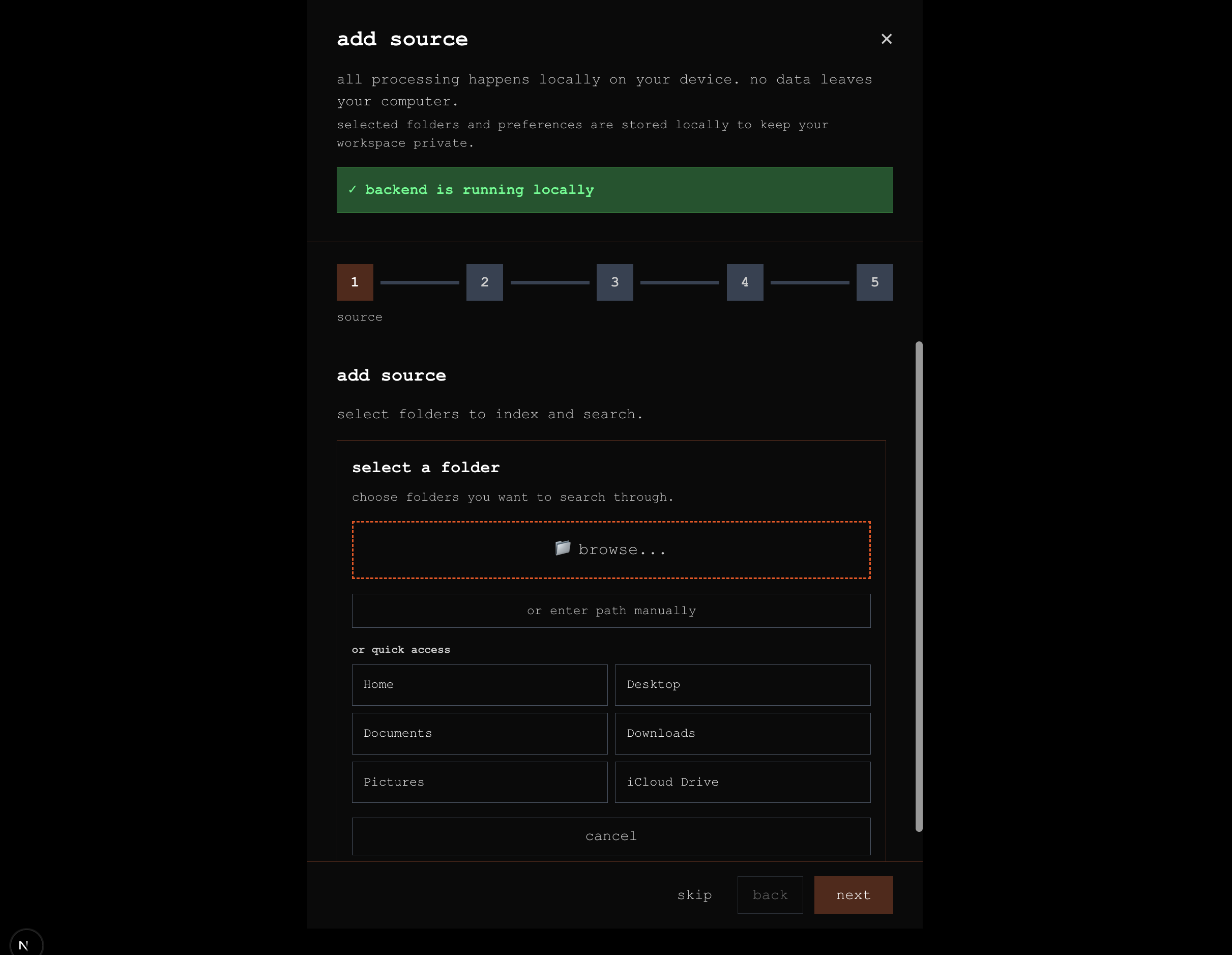
step 2: browse for folder
click "browse" to select the folder containing your media files. you can add:
- local folders
- external drives
- network storage (if mounted)
step 3: configure settings
customize how your source will be indexed:
scan depth
- recursive: scan all subfolders
- single folder: only scan the selected folder
file types
- images: jpg, png, heic, webp, etc.
- videos: mp4, mov, avi, etc.
- audio: mp3, wav, m4a, etc.
processing options
- enable face detection
- enable object detection
- enable ocr (text extraction)
- enable audio transcription
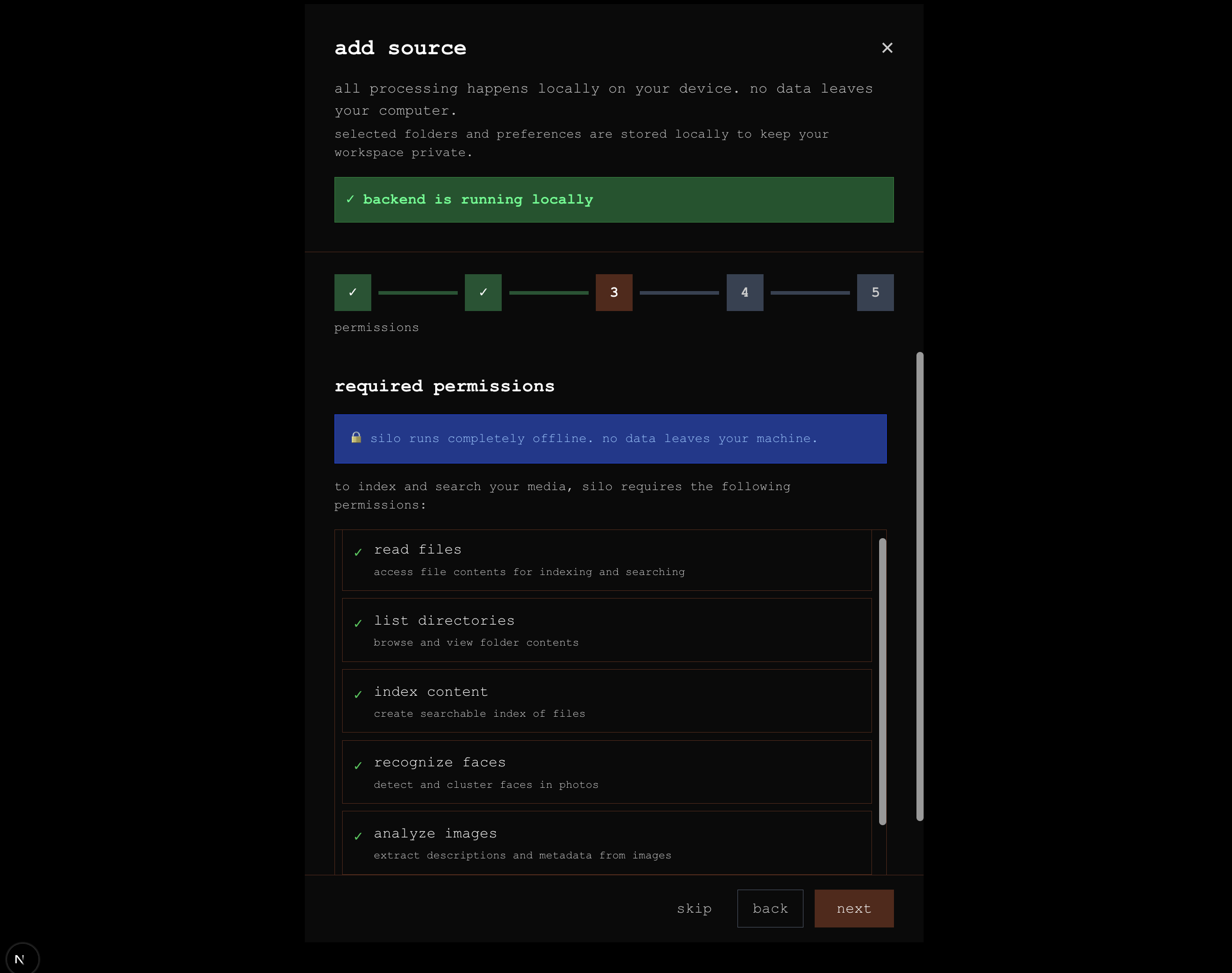
step 4: permissions
grant silo permission to:
- read files from the selected folder
- write index data to the local database
- access camera roll metadata (optional)
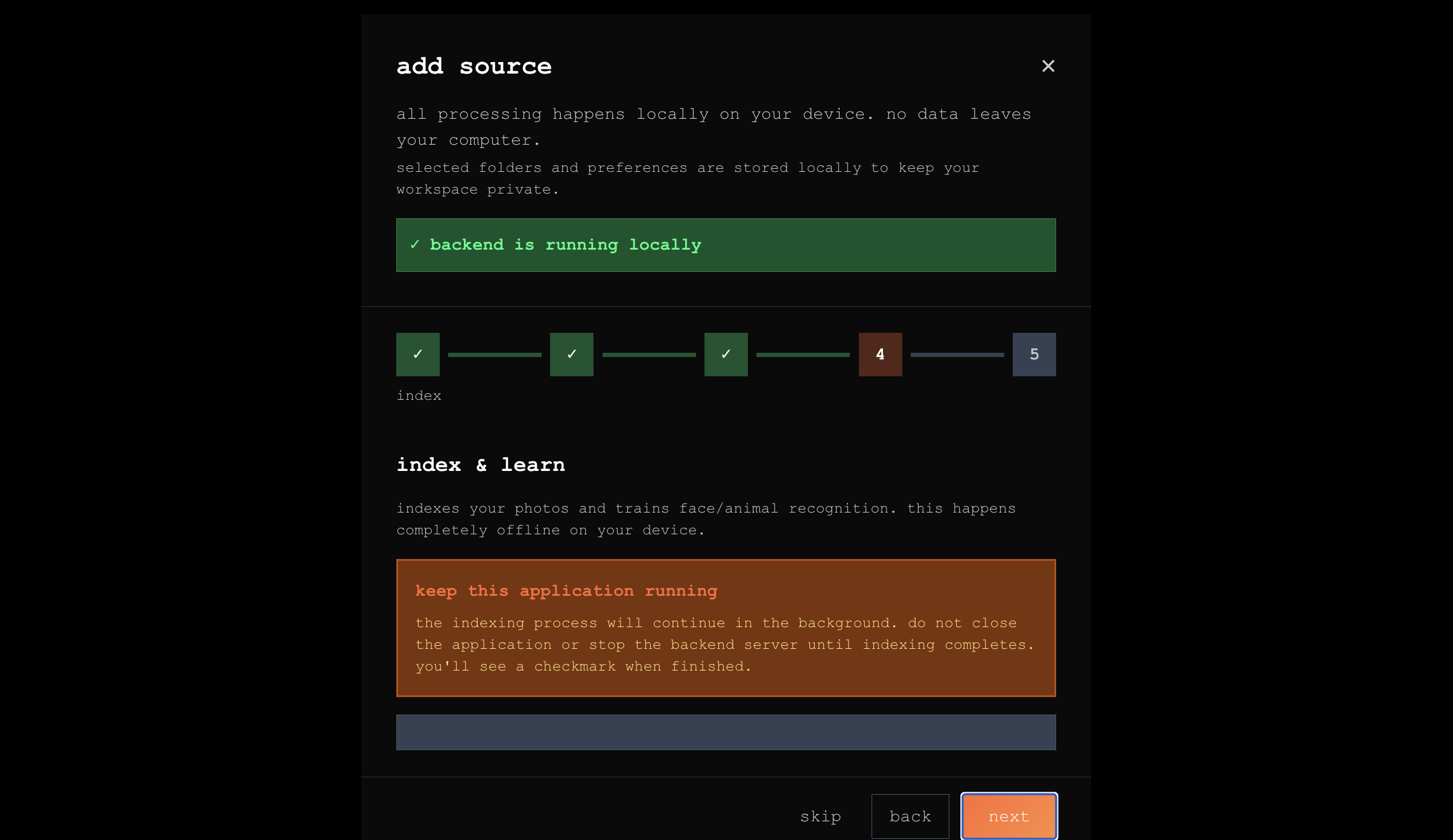
step 5: indexing
once configured, click "start indexing" to begin processing:
- files are scanned and copied to the index
- ai models generate embeddings
- faces are detected and clustered
- objects and text are extracted
monitoring progress
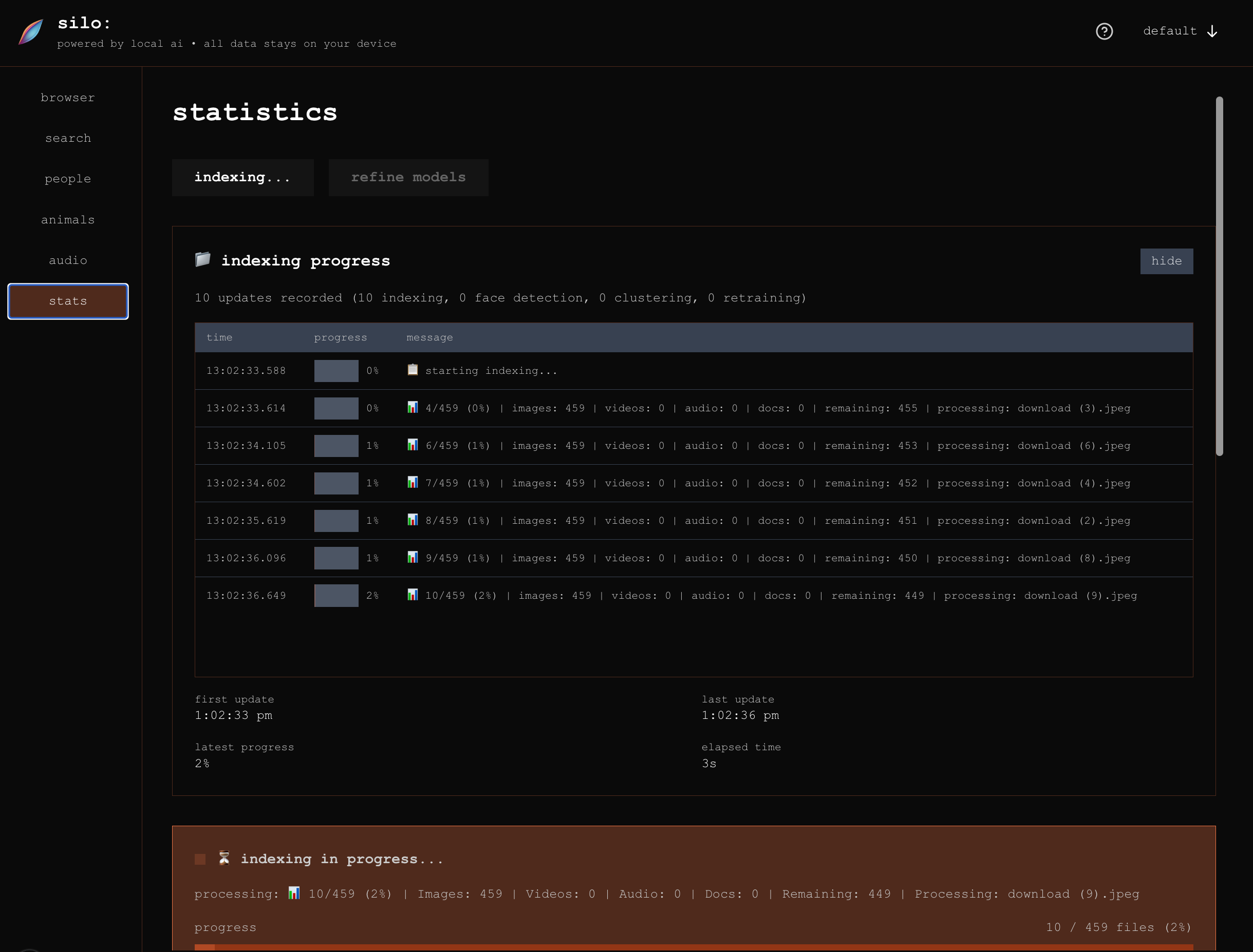
during indexing, you can view:
- total files scanned
- files processed
- processing speed
- estimated time remaining
- any errors encountered
viewing statistics
after indexing completes, visit the stats page to see:
- total indexed files
- faces detected
- clusters created
- storage used
- processing time
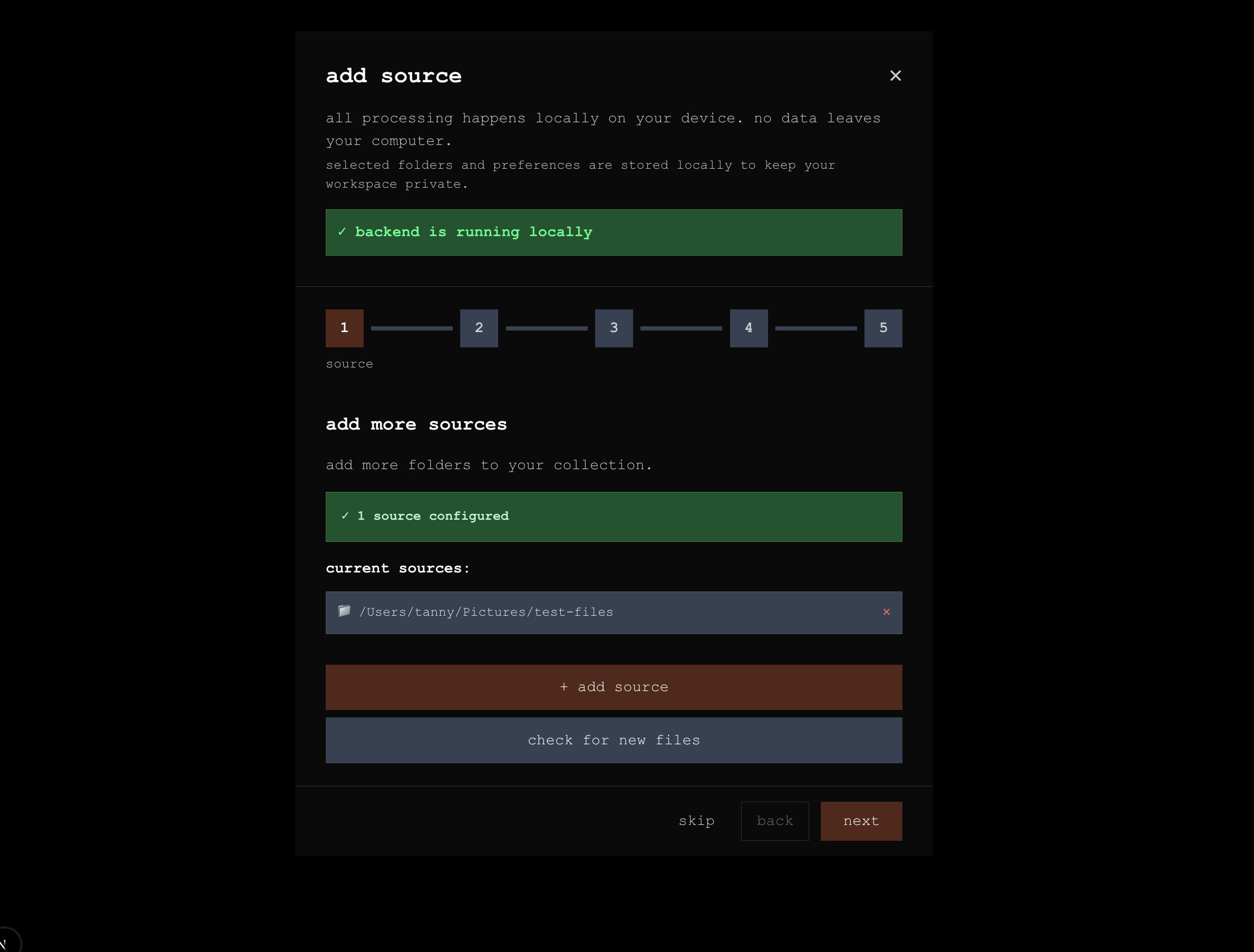
multiple sources
you can add multiple sources to the same silo:
- complete indexing of the first source
- click "add source" again
- repeat the process for additional folders
all sources will be searchable together within the silo.